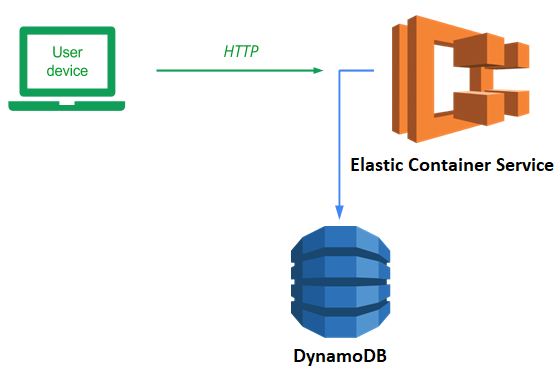
ECS is an AWS service for deploying containers. In this lab, we will deploy our guestbook application to ECS backed by a DynamoDB database. We will use our aws_gb image from LAB C07a
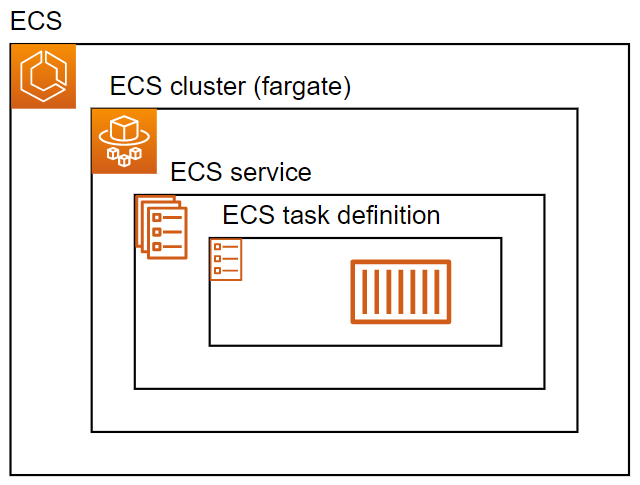
The figure above shows what we will be implementing and deploying. At the center, there is an ECS task definition that specifies, among other things, the Docker container image we want to run. It is wrapped in an ECS service specifying how we run the task and how we can reach it. Finally, the tasks and service run on a cluster of compute instances. While we can utilize a pre-defined cluster of machines, in this lab, we'll use AWS Fargate, a service that allows on-demand allocation of instances to run tasks based on usage.
Begin by visiting the ECS service in the AWS management console.
Create a new task definition.
Configure it with the following:
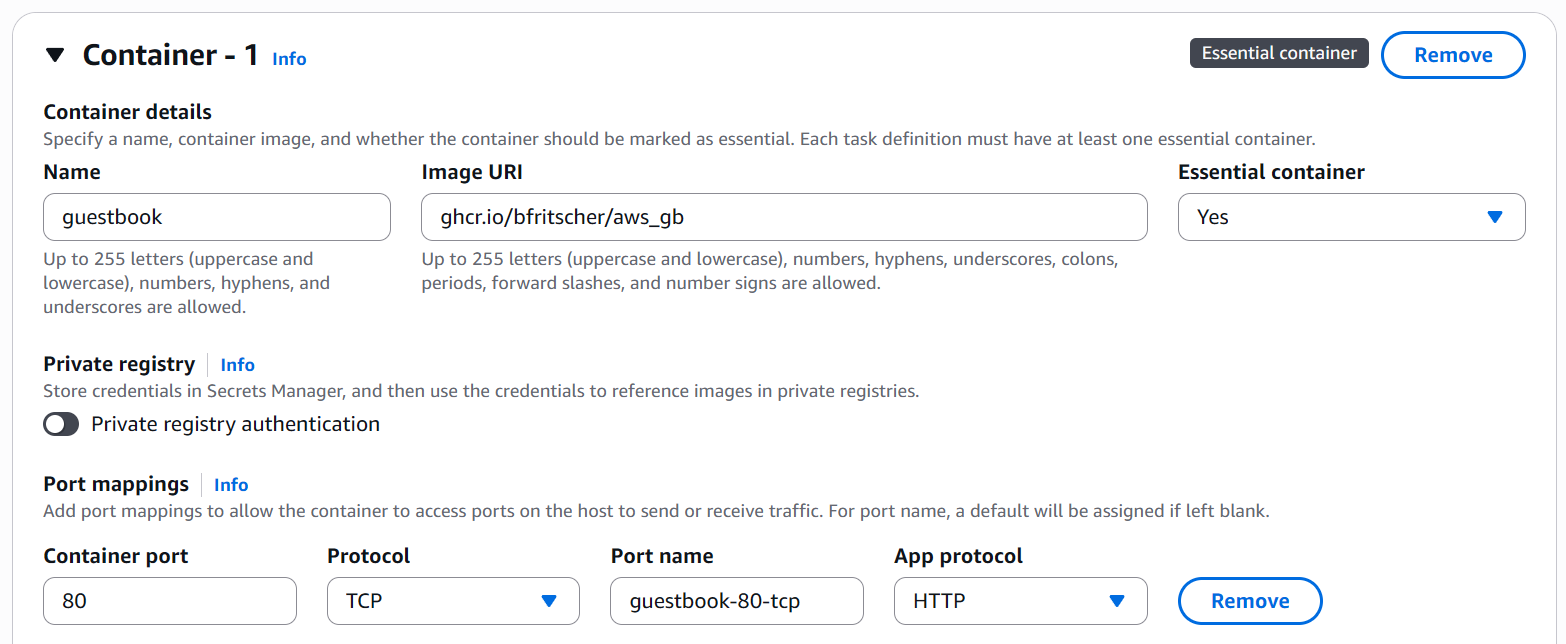
- Name the configuration
guestbook-config - Specify the container name as
guestbook - Specify the container Image URI to be the GitHub container image (
ghcr.io/)/aws_gb - Ensure the port mappings have port
80enabled
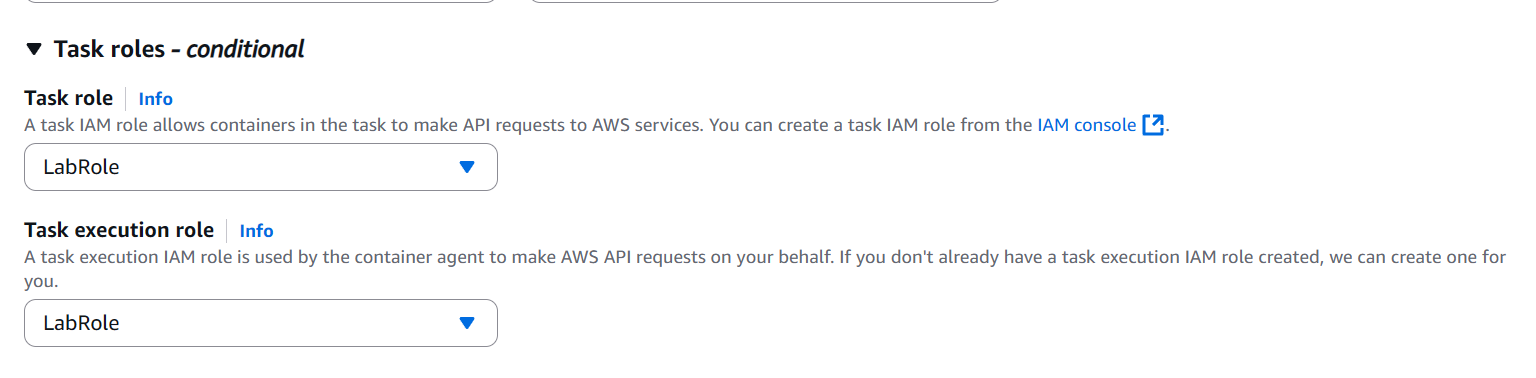
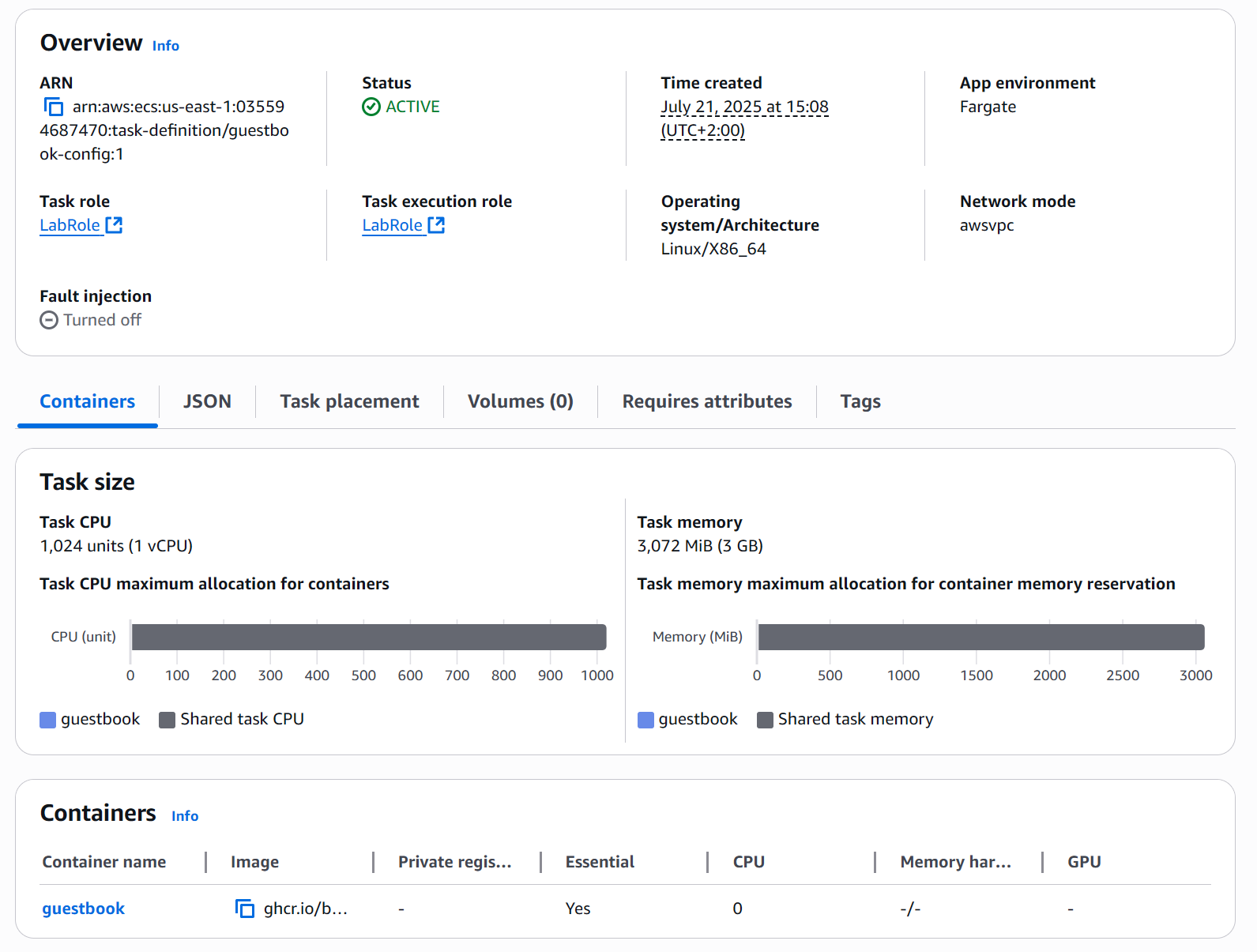
Continue to the next step and ensure that the task is configured to utilize the AWS Fargate serverless setting, then specify the task roles to be the LabRole that have been pre-defined for our AWS environment.
Continue and create the definition
Create a cluster
Navigate to the ECS Clusters section of the web UI and create a new cluster.
- Name the cluster
guestbook-cluster - Keep AWS Fargate selected so that the cluster adds VMs to itself on-demand
Then, create the cluster.
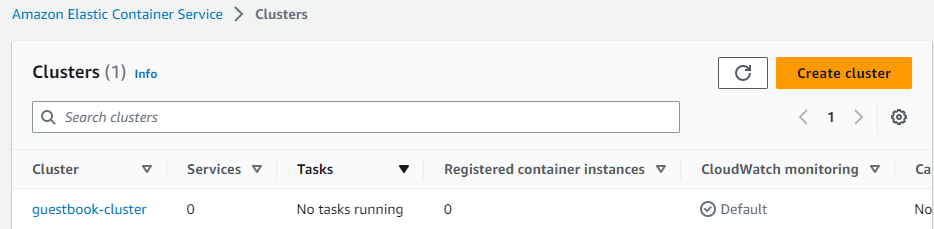
Go back to ECS Clusters and wait for the cluster to come up.
Create the service
Click on the newly created cluster. In the "Services", click on "Create" to begin the creation of a service.
- Keep the Compute configuration settings set to FARGATE
- Configure the deployment's task definition to use the
guestbook-configdefinition set up previously. - Name the service
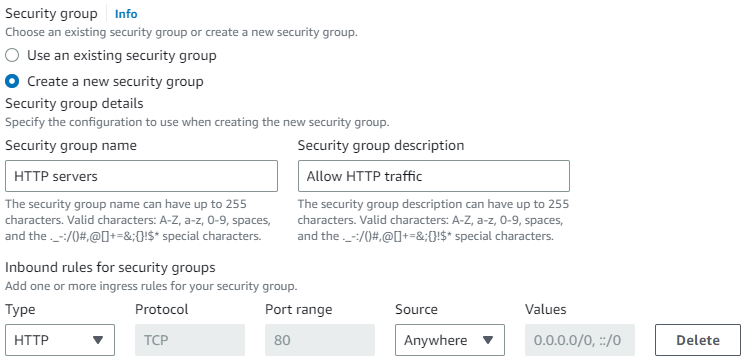
guestbook-service - In the networking section, create a new security group that allows incoming HTTP traffic from all destinations.
Configure Load balacing
Finally, in the "Load balancing" section, configure an Application Load Balancer called guestbook-lb that will be used as a single front-end for our service. Although we will only run one container in this lab, if we spun up dozens of replicas of our task, this load balancer would then be able to define a single endpoint that would then route incoming web requests across the replicas in our backend.
Name the "Target group name", guestbook-group.
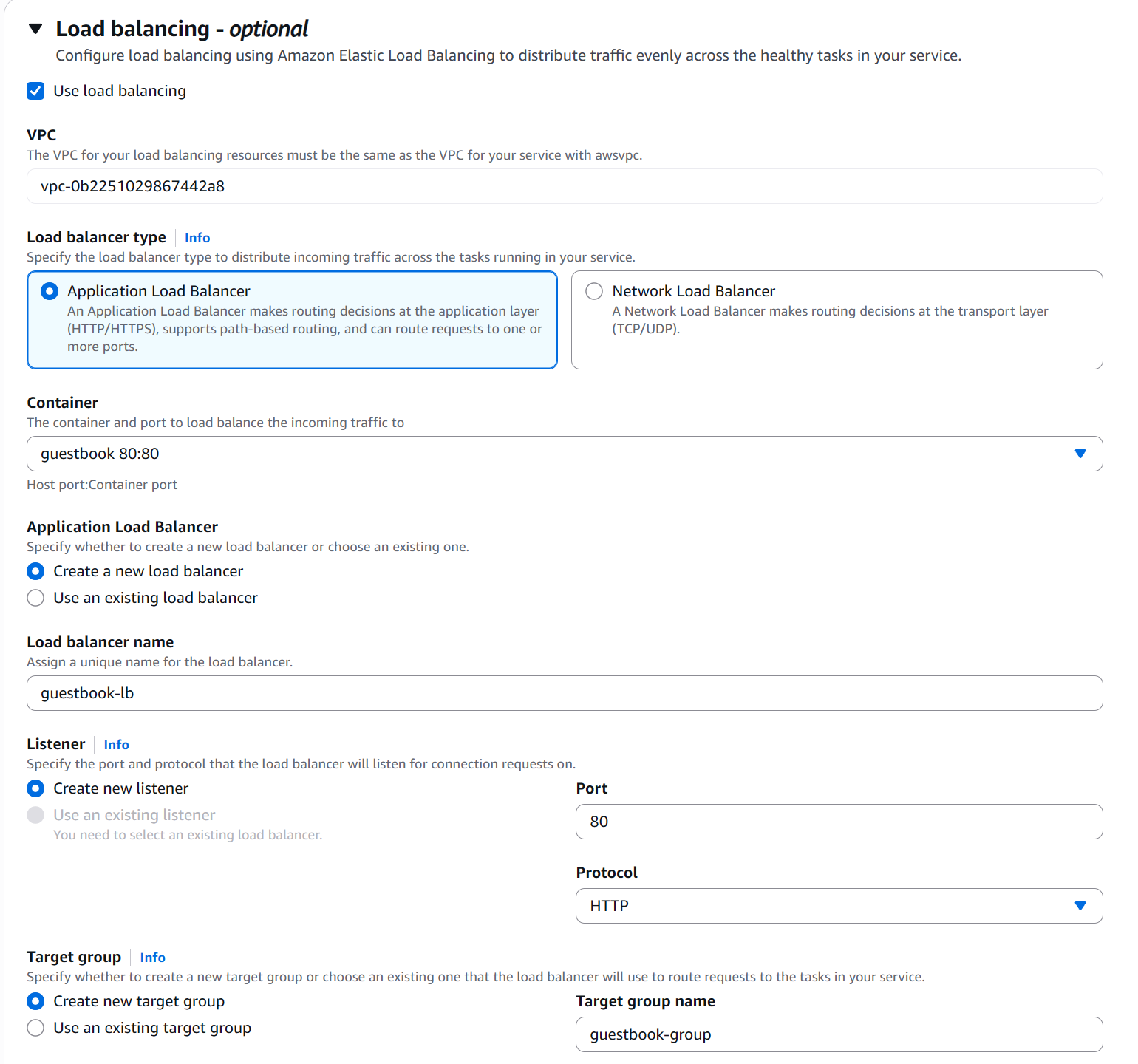
Click Create the service.
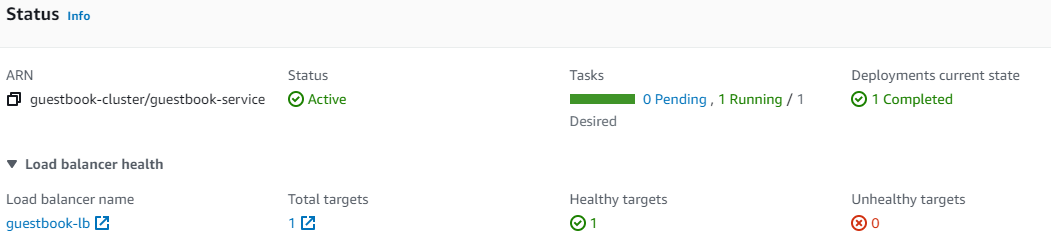
When the service has finished launching, bring up its details.
Get the address from the service
Then, click on the load balancer (guestbook-lb) that has been instantiated.
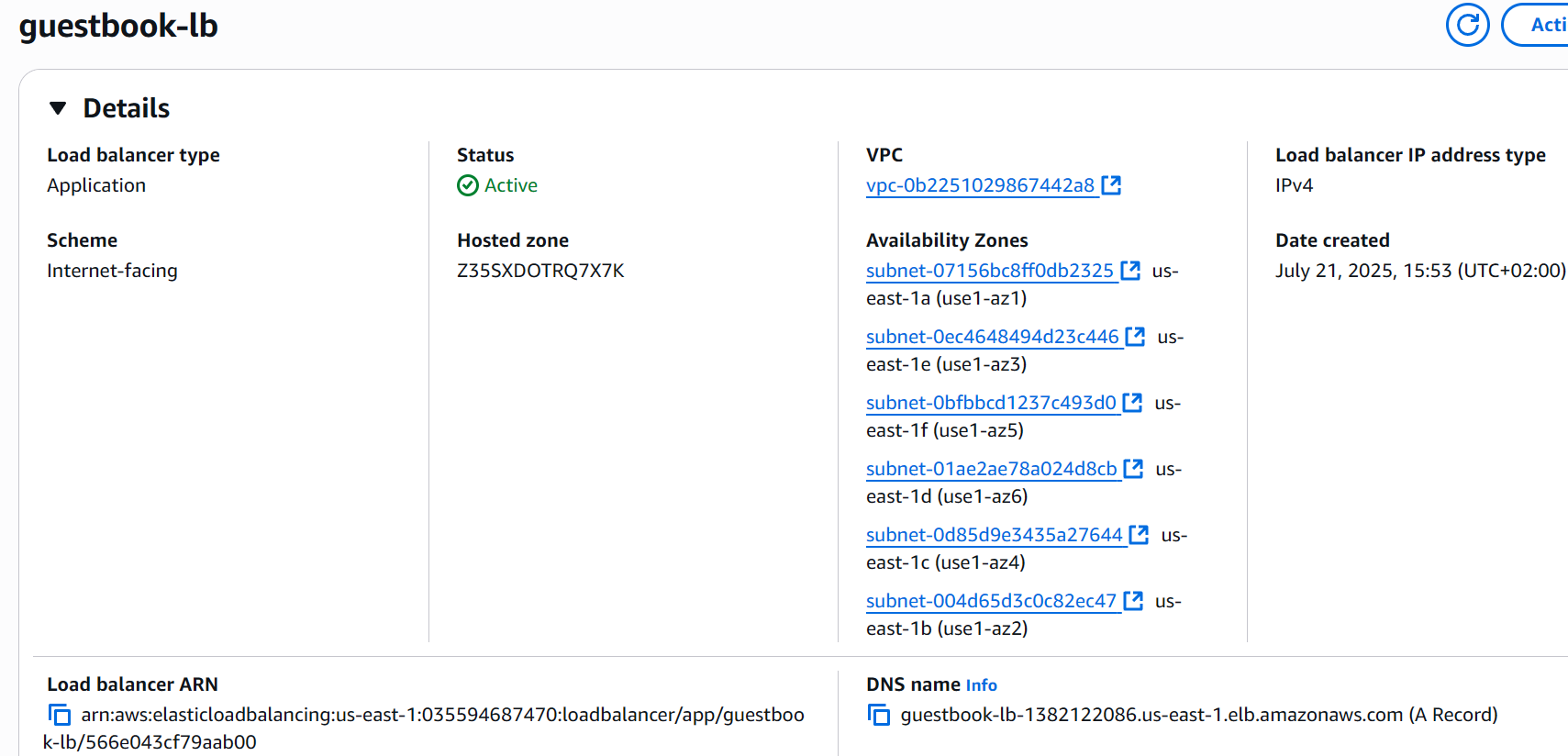
The load balancer has a DNS name associated with it that is the frontend endpoint for the service.
Visit the site
Navigate to the site via the DNS name of the frontend. The guestbook application running on the container should come up.
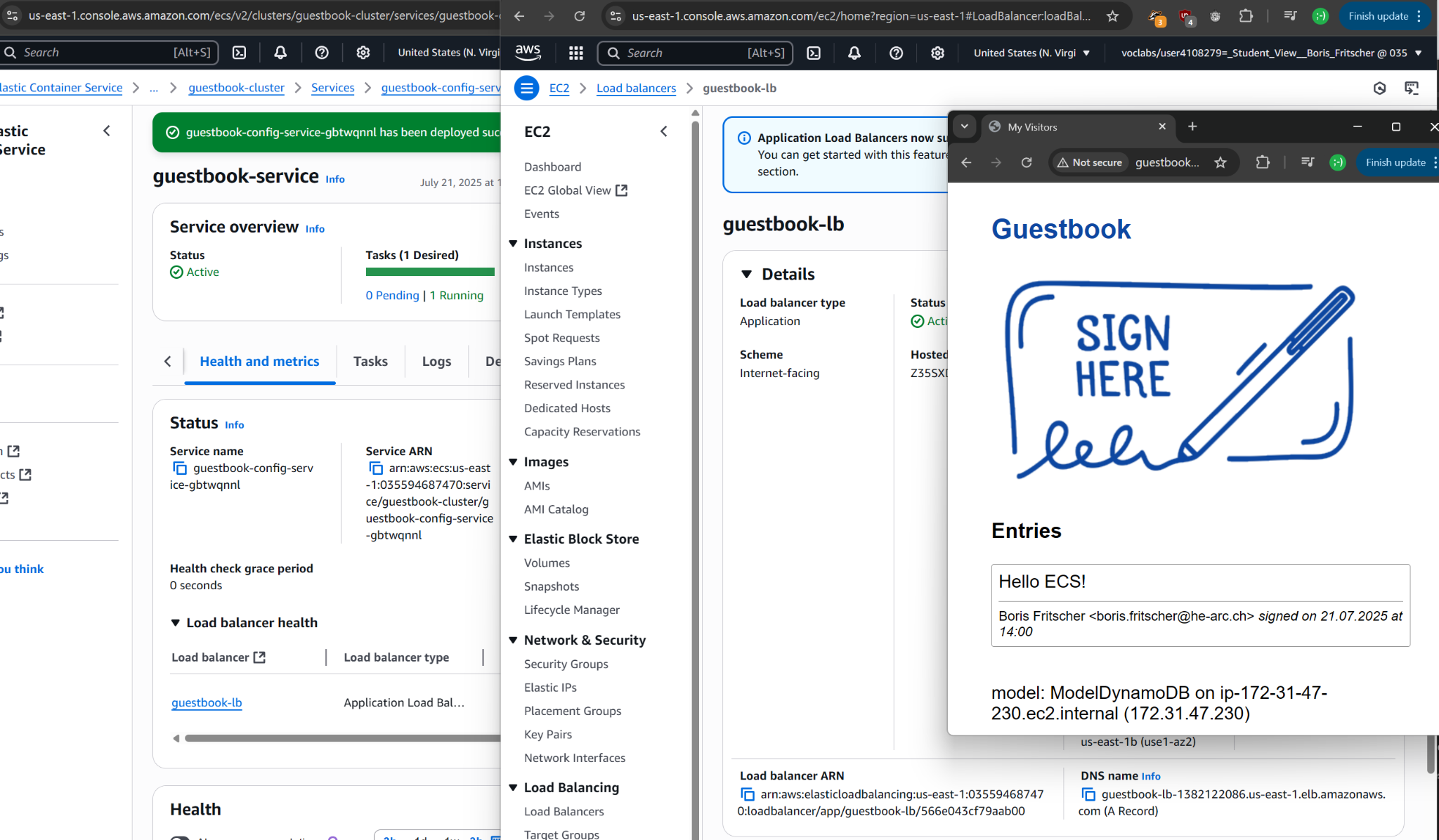
Add an entry with the message "Hello ECS!". Open the same IP address in another browser window, and your entry should be there!
Task Progress Check
Take a screenshot showing:
- The ECS guestbook service
- The EC2 load balancer
- The guestbook with the entry and the model driver
Upload the combined screenshot to complete the lab.
Delete the guestbook-service (select Force delete)

When the service has been deleted, delete the guestbook-cluster.

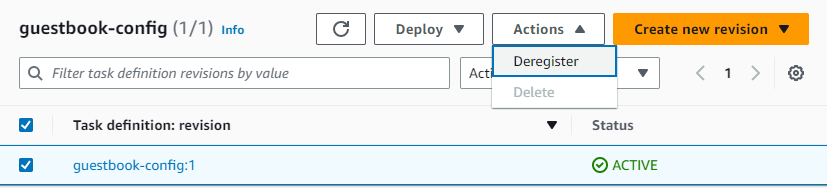
Finally, deregister the guestbook-config task definition.