Use Vue.js as a "simple external library" for exercises 1 to 8:
You will build a small website which lists products and has a shopping cart functionality.
You can use any html editor, Visual Studio Code or use https://codesandbox.io/ with the Static HTML Template (do not use Vue.js template as it uses SFC by default).
Examples are provided throughout the exercises to help you, but you are not required to arrive exactly at the same result.
To get you started here a sample index.html file.
index.html
<!DOCTYPE html>
<html lang="en">
  <head>
    <meta charset="UTF-8">
    <meta name="viewport" content="width=device-width, initial-scale=1.0">
    <meta http-equiv="X-UA-Compatible" content="ie=edge">
    <title>Static Template</title>
    <!-- optional CSS framework -->
    <link href="https://cdn.jsdelivr.net/npm/bootstrap@5.3.2/dist/css/bootstrap.min.css" rel="stylesheet" integrity="sha384-T3c6CoIi6uLrA9TneNEoa7RxnatzjcDSCmG1MXxSR1GAsXEV/Dwwykc2MPK8M2HN" crossorigin="anonymous">
  <style>
    /* optional your CSS */
  </style>
  </head>
  <body>
    <!-- Your HTML -->
    <h1>My Site</h1>
    <script type="module">
import { createApp } from "https://unpkg.com/vue@3/dist/vue.esm-browser.js";


       /* Your code */
    </script>
  </body>
</html>
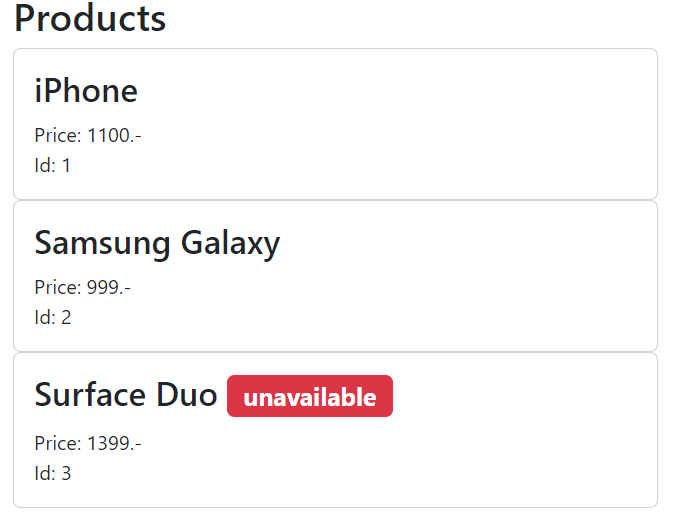
Create an HTML page displaying a list of products.
Each product has:
- a reference number (id),
- a title
- a price
- some products display the indication "unavailable".
A few products are enough for this preparation step.
Example
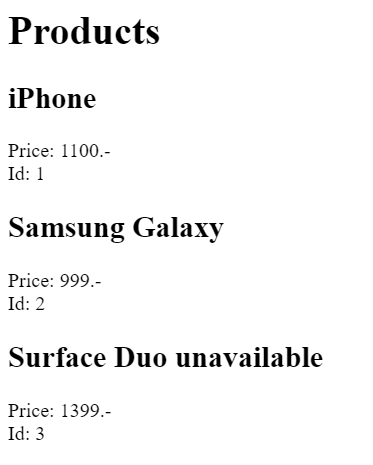
Example with Bootstrap (optional)
Add Vue.js to your page.
Define the products in a data structure, which Vue.js will display when the page loads.
This should replace the created list from (exercise 1).
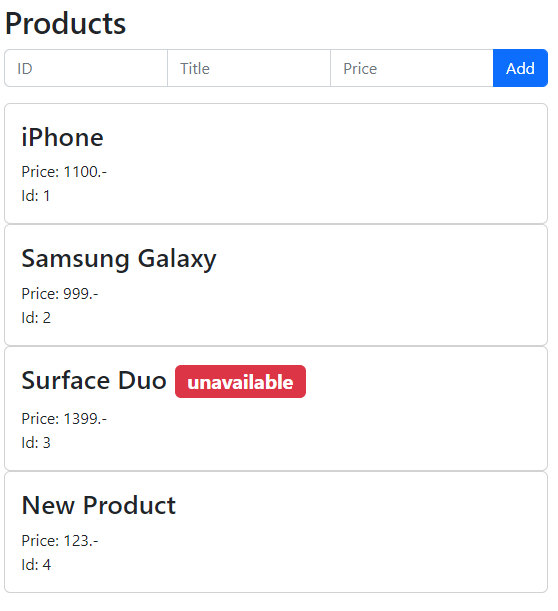
- Add the necessary html fields above the list to enter a new product (title, price, ...).
- Add an "Add" button.
- When the button is clicked, the product is added to the products.
- The input fields are reset.
Example
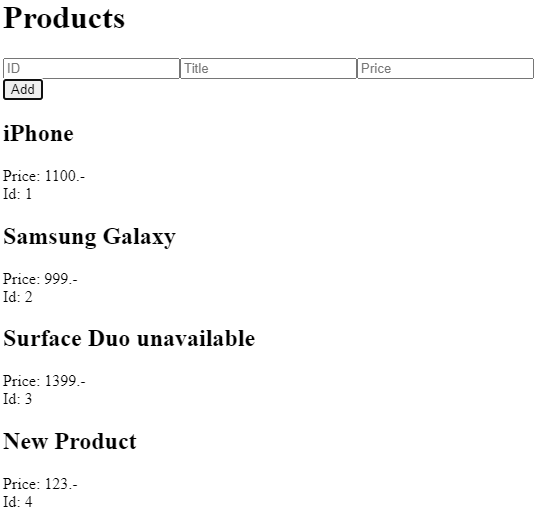
Example with Bootstrap (optional)
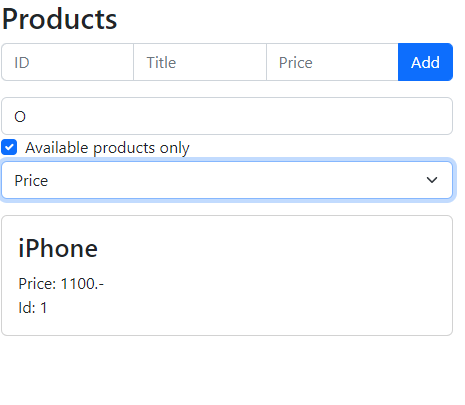
- Add a text field that filters the displayed product list based on the input made (only products whose name contains the input are displayed). Bonus: make it Case-insensitivity.
- Add an "Available products only" checkbox. If the box is checked, only available products are displayed.
- Add a dropdown list "Sort by" with the choices "Name", and "Price".
Example
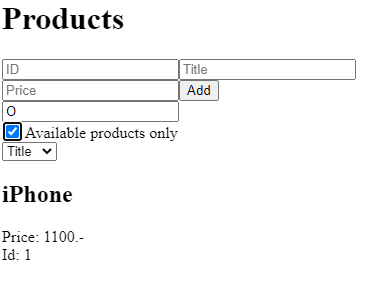
Example with Bootstrap (optional)
Add a "Add to cart" functionality as follows:
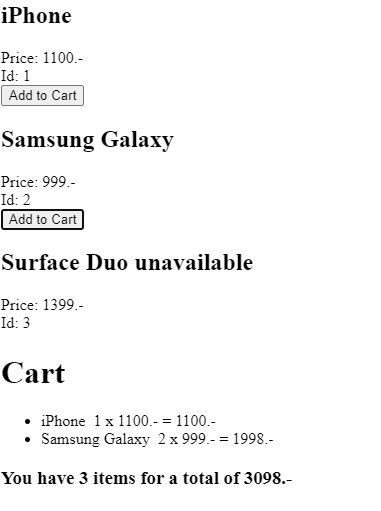
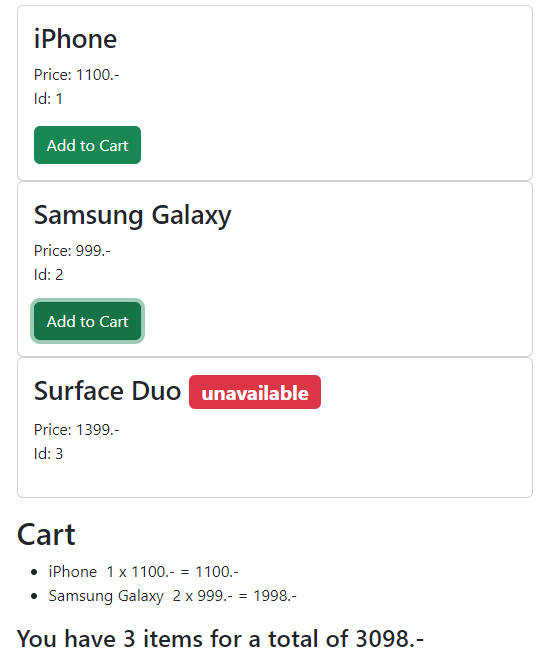
- when a displayed product is clicked, it is added to a "cart". The quantity of each product corresponds to the number of clicks. Bonus: the button should not be enabled on unavailable products.
- Display the "cart" in the page. Display the name, quantity, price and price times quantity
- Display a line with the total number of items in the cart and the total price.
Example
Example with Bootstrap (optional)
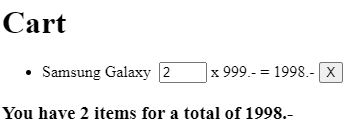
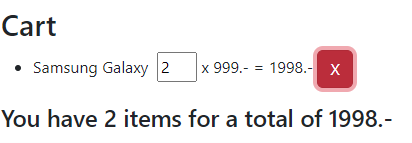
- Add for each product in the cart the ability to modify the product quantity. Bonus: do not allow to go below 1.
- Allow to remove a product from the cart.
Example
Example with Bootstrap (optional)
Get more products from an external API.
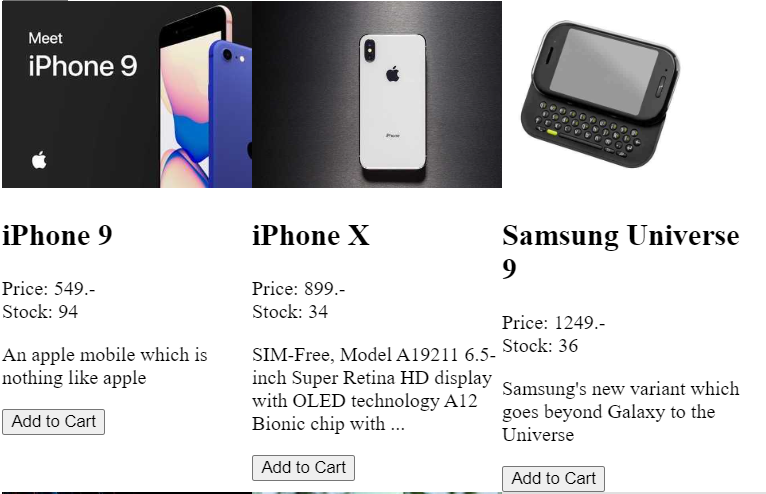
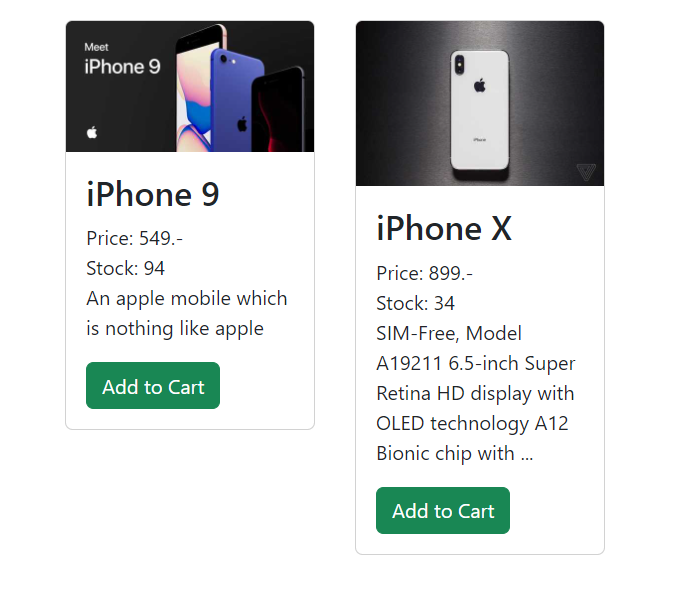
- Display the product list from the APIhttps://dummyjson.com using this api endpoint https://dummyjson.com/products. This will return a JSON file containing an object with an attribute
productscontaining a list of product objects. - Display the title, price, thumbnail, description, and number in stock.
You can use fetch or add axios
<script src="https://cdnjs.cloudflare.com/ajax/libs/axios/1.6.5/axios.js" integrity="sha512-NF+M0CTEn9D9ENLJG/DxMiqAiaz3upEpfxyekwb+U2OG8JPJSh/bUgXToRtxoNW5A2ucCUCw7adbo3gU1ZdHUQ==" crossorigin="anonymous" referrerpolicy="no-referrer"></script>Example
Example with Bootstrap (optional)
Change the code so that the search field from exercise 4 does not filter the local list, but performs a search via the API instead https://dummyjson.com (https://dummyjson.com/products/search?q=search_term).